 ProSwitcher
A remote control for Blackmagic ATEM switchers · Android phones & tablets
ATEM switcher control for Android phones and tablets.
ProSwitcher is an Android app by Sabaat that controls Blackmagic Design ATEM switchers from a phone or tablet over your local network. Program and preview, tally, Cut, Auto, T-bar and Fade to Black are free. ProSwitcher Pro adds keyers and picture-in-picture, transitions, media, audio, SuperSource, streaming, recording, multiview, macros and aux for a one-time US$39.99, with a 14-day free trial.
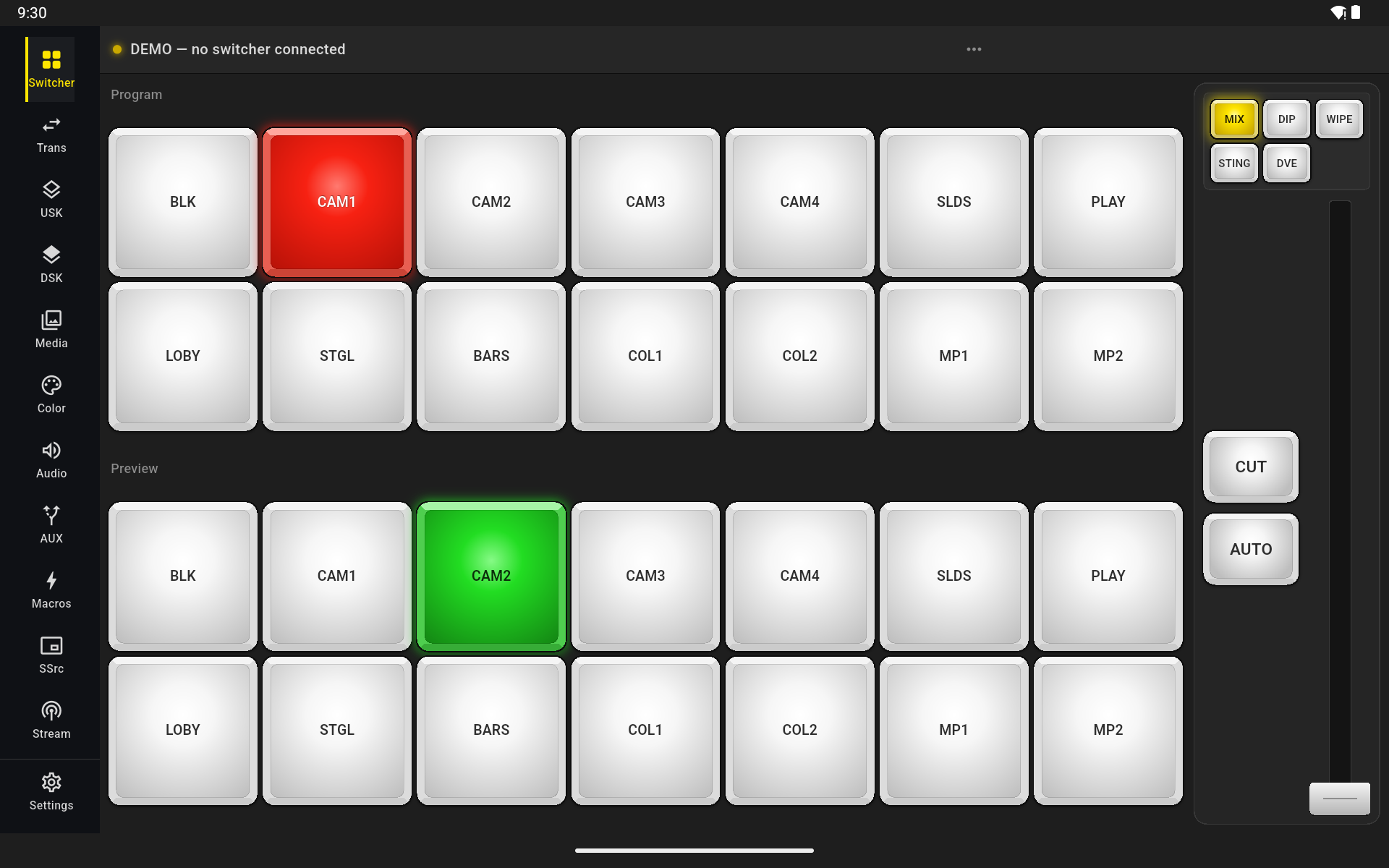
See it work
A show in 75 seconds.
Cuts and autos, keys and downstream keys on and off air, a wipe, SuperSource layouts, Fairlight audio, aux outputs, stills and Fade to Black, all run from an Android tablet. Filmed in the app's built-in demo switcher, so you can do exactly the same with no ATEM to hand.
Works with
Which ATEM switchers does it work with?
ATEM Mini
- ATEM Mini
- ATEM Mini Pro
- ATEM Mini Pro ISO
- ATEM Mini Extreme
- ATEM Mini Extreme ISO
- ATEM Mini Extreme ISO G2
ATEM SDI
- ATEM SDI
- ATEM SDI Pro ISO
- ATEM SDI Extreme ISO
ATEM Television Studio
- ATEM Television Studio HD8
- ATEM Television Studio HD8 ISO
- ATEM Television Studio 4K8
- ATEM Television Studio HD
- ATEM Television Studio Pro HD
- ATEM Television Studio Pro 4K
ATEM Production and Broadcast Studio
- ATEM Production Studio 4K
- ATEM 1 M/E Production Studio 4K
- ATEM 2 M/E Production Studio 4K
- ATEM 4 M/E Broadcast Studio 4K
ATEM Constellation
- ATEM 1 M/E Constellation HD
- ATEM 1 M/E Constellation 4K
- ATEM 2 M/E Constellation HD
- ATEM 2 M/E Constellation 4K
- ATEM 4 M/E Constellation HD
- ATEM 4 M/E Constellation 4K
- ATEM 4 M/E Constellation 4K Plus
- ATEM Constellation 8K
ProSwitcher works with ATEM switchers that speak the standard ATEM Ethernet control protocol, which is every model above. We test on an ATEM Mini Extreme ISO and an ATEM Production Studio 4K, and the app reads what your switcher reports and shows the panels that model supports. On 2 M/E and 4 M/E models it controls M/E 1. Every model, with its keyers, DVE and SuperSource →
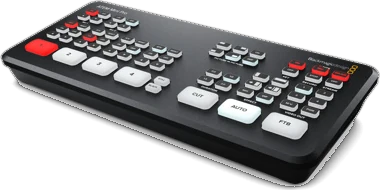
ATEM Mini Pro ATEM Mini family 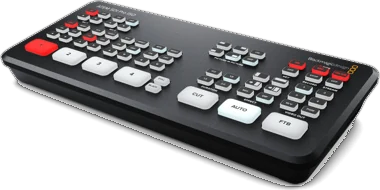
ATEM SDI Pro ISO ATEM SDI 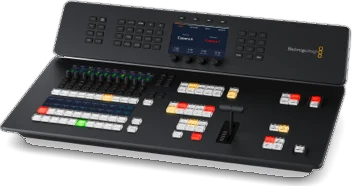
ATEM Television Studio HD8 ATEM Television Studio 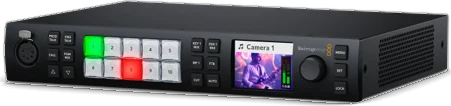
ATEM 1 M/E Constellation 4K ATEM Constellation
Product photos © Blackmagic Design, shown to identify the hardware.
What it does
Cut your show from your hands.
A wireless remote for your ATEM: tap to cut, drag the T-bar. Built for live production, where a dropped connection is not an inconvenience — it is a visible mistake on air. Everything below is in the version on Google Play today; the label says whether it is free or Pro.
Program & preview
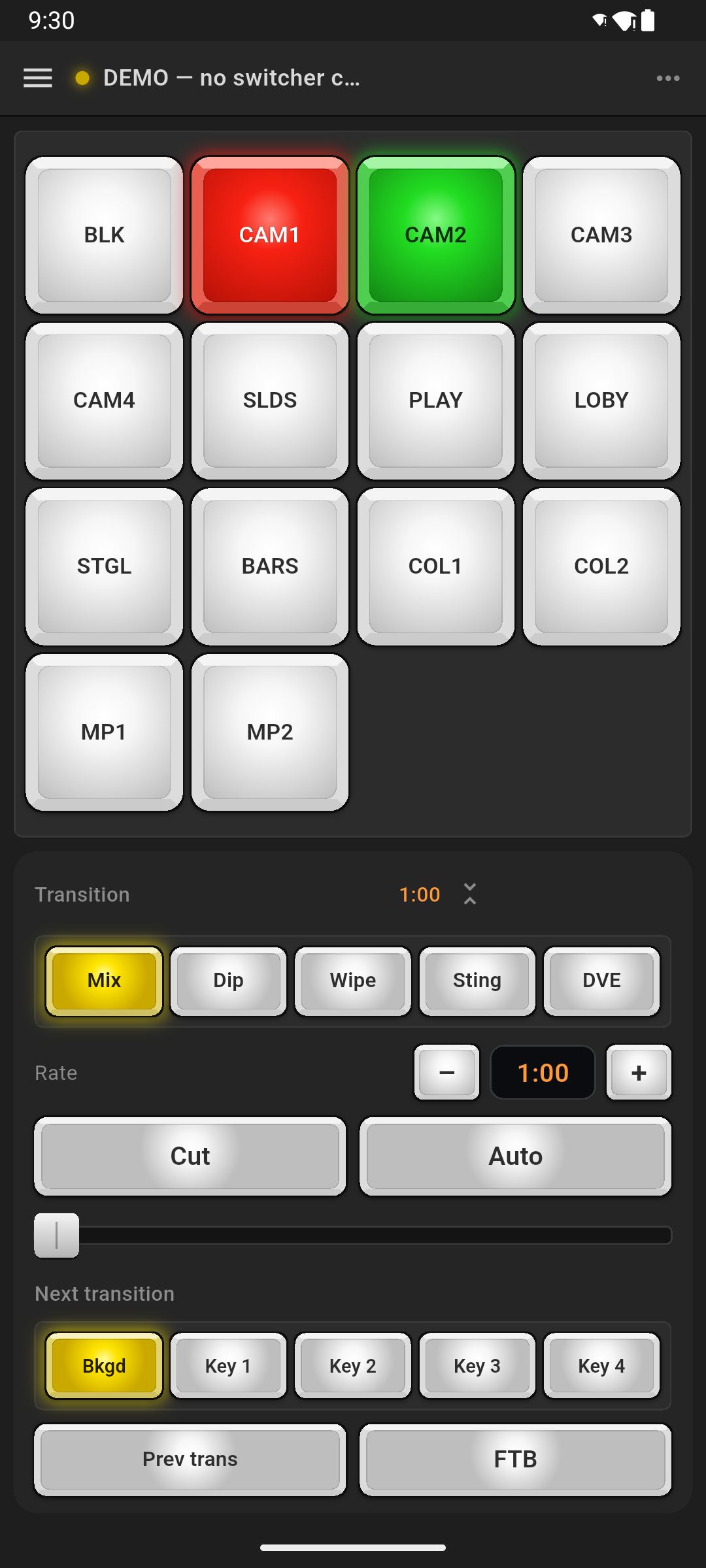
FreeTap a source to cut or cue it. Program lights red and preview green: the tally the switcher's own panel shows.
Cut, Auto, T-bar, Fade to Black
FreeA draggable T-bar that behaves like the one on the panel, beside Cut, Auto and Fade to Black.
Finds your switcher
FreeAutomatic discovery on your local network, manual IP, saved switchers and automatic reconnect. The screen stays awake while you are live.
Upstream keyers
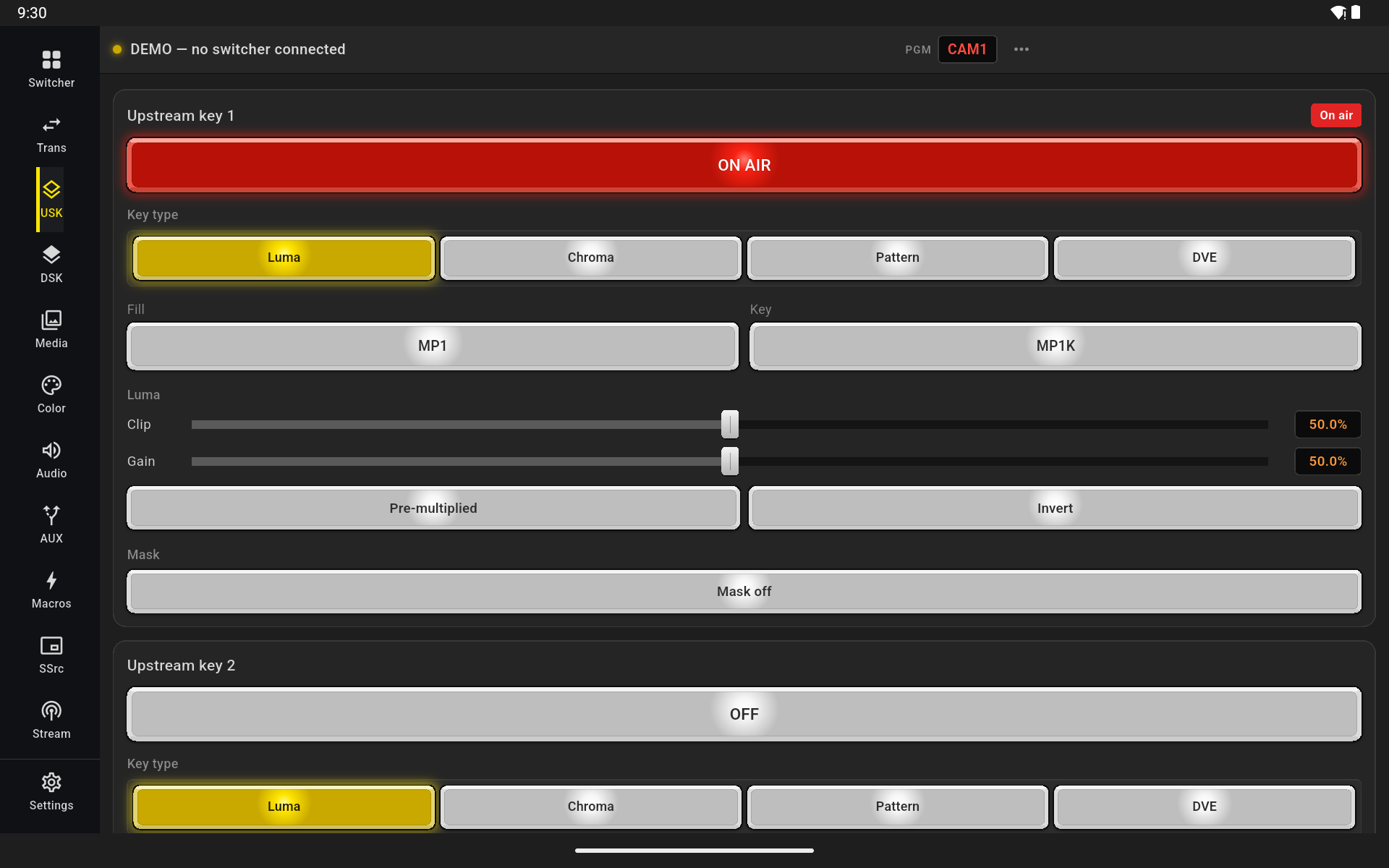
ProLuma, chroma (including advanced chroma), pattern and DVE keys, with full parameters and masking.
Picture-in-picture
ProSize and place the DVE box with position presets or by dragging it, with border, shadow, mask and the flying key.
Downstream keyers
ProOn air, tie, rate, fill and key sources, and masking.
Transitions
ProMix, dip and wipe, with a visual wipe pattern grid and per-style rates, plus DVE transitions.
Media players
ProBrowse the media pool, upload stills from your phone's photos, capture a still straight off program and clear the ones you are done with. Uploads and downloads are fast.
Audio mixer
ProFaders, meters and mute or AFV per channel, with the master pinned in view, on the classic and the Fairlight mixer. On Fairlight switchers, the 6-band EQ, dynamics and mic delay too.
SuperSource
ProPresets that animate from one layout to the next, and a live canvas for position, size, crop and art, on switchers that have SuperSource.
Streaming
ProGo on air and off from the switcher's own encoder, watch duration, bitrate and cache, and set the platform, server and key.
Recording
ProREC and STOP with the running time, disk space and disk switching, and ISO recording on ISO models.
Multiview
ProRoute every window, split or join each quadrant, and set labels, borders, VU meters and 16:9 or 9:16 frame guides.
Macros, aux & colour
ProRun, continue and loop the macros on your switcher, route the aux outputs and set the colour generators.
Switcher settings
ProRename sources, change the video standard, set mic or line inputs and headphones, laid out like ATEM Software Control's Settings window.
Put ProSwitcher on your phone before the next show.
Free on Google Play for Android phones and tablets. Switching stays free; Pro is a one-time US$39.99, with a 14-day free trial.
No switcher handy?
Try it without an ATEM: there is a whole switcher inside the app.
Tap Try the demo switcher on the first screen and the whole app comes alive against a complete simulated switcher: eight cameras, keyers and picture-in-picture, SuperSource, media players, Fairlight audio, streaming, recording and a multiview. Cuts, autos, the T-bar and Fade to Black respond as they do on real hardware.
It runs entirely on the device, with no network and no account, and every panel opens in it with no purchase and no trial. Its ON AIR and REC go nowhere, so you can learn the whole surface on the train and arrive knowing where everything is.
Install free, then tap Try the demo switcher on the first screen.
How it connects
How do you control an ATEM from a phone?
ATEM switchers have Ethernet, not Wi-Fi. The switcher stays wired to your network and your phone joins that network over Wi-Fi. No computer, no account, and the control traffic never leaves your network.
Wire the switcher
Plug the ATEM into a router or access point with an Ethernet cable.
Join the same Wi-Fi
Connect your Android phone or tablet to that network: not a guest network, and not mobile data.
Open ProSwitcher
It lists the switchers it finds on your network. Tap one, or type its IP address. It remembers it and reconnects on its own.
Pricing
One payment. No subscription.
Switching is free forever. Pro unlocks the rest, once, on your account — and keeps working with no internet, because the app never phones home to run.
Free
Forever, no account
- Find and connect to your switcher
- Program and preview switching
- Live tally
- Cut, Auto and the T-bar
- Fade to Black
- Saved switchers and automatic reconnect
- The demo switcher, with every panel open
Pro
14-day free trial, no card needed
- Everything in Free
- Upstream keyers: luma, chroma, advanced chroma, pattern and DVE
- Picture-in-picture, with position presets, border, shadow, mask and the flying key
- Downstream keyers
- Transitions: mix, dip and wipe, with pattern grid and rates, plus DVE transitions
- Media players: browse, upload stills, capture from program
- Audio mixer, classic and Fairlight: faders, meters, mute and AFV
- Fairlight 6-band EQ, dynamics and mic delay
- SuperSource, streaming, recording and multiview
- Macros, aux routing, colour generators
Prices in USD. A purchase covers every device signed in to the Google Play account you bought it with. See the terms for the detail.
New in version 1.1
Every panel that was marked coming soon is here, plus picture-in-picture.
Version 1.1 is on Google Play now. SuperSource, streaming, recording, ISO recording and Fairlight audio exist only on some switchers; where a panel cannot work on yours, the app says so before you buy.
- Picture-in-picture: DVE keys with position presets, border, shadow, mask and the flying key
- DVE transitions
- SuperSource: lay out the boxes on a live canvas, on switchers that have it
- Streaming: go on air and off, with duration, bitrate and cache
- Recording: REC and STOP, disks, and ISO recording on ISO models
- Multiview: route every window and change the layout
- Fairlight EQ and dynamics on every channel and the master
Version 1.1 is a free update for everyone who has Pro, and all of it works in the demo switcher. Full release notes →
Coming from an iPad?
Looking for MixEffect on Android?
MixEffect, the ATEM control app by Adam Tow, runs on iPhone, iPad and Mac, and its own documentation says there is no Android version. If the person switching has an Android phone or tablet, ProSwitcher controls the same ATEM switchers from it. It is a separate app from a different developer, not affiliated with MixEffect, and MixEffect still does things ProSwitcher does not, such as HyperDeck control and automation.
Questions
Frequently asked questions
Is there ATEM Software Control for Android?
No. Blackmagic Design includes ATEM Software Control free for Mac and Windows only, and there is no official Android version. On an Android phone or tablet you use a third-party app, such as ProSwitcher.
Do I need a computer?
Not to run a show. ProSwitcher talks to the switcher directly over the network, so a phone or tablet on the switcher's network is all you need. Blackmagic's ATEM Setup utility on a Mac or Windows computer is still how you change the switcher's IP address, over USB.
Does the ATEM Mini have Wi-Fi?
No. ATEM switchers connect to a network by Ethernet only. Wire the switcher to a router or access point, then join your phone or tablet to that network's Wi-Fi.
Which ATEM switchers does ProSwitcher work with?
ProSwitcher is built for ATEM switchers that use the standard ATEM Ethernet control protocol: the ATEM Mini family, ATEM SDI, Television Studio, Production Studio and Constellation models. We have tested it on an ATEM Mini Extreme ISO and an ATEM Production Studio 4K. Panels adapt to what each switcher reports, so you see the controls your model has.
Is ProSwitcher Pro a subscription?
No. Pro is a single payment, and it covers every device signed in to the same Google Play account.
Can I try it without an ATEM?
Yes. Tap “Try the demo switcher” on the first screen and the app runs against a complete simulated switcher, with eight cameras, keyers and picture-in-picture, SuperSource, media players, Fairlight audio, streaming, recording and a multiview, entirely on your device. Every panel opens in the demo with no purchase and no trial, and its ON AIR and REC go nowhere.
Is ProSwitcher on iPhone or iPad?
Not yet. ProSwitcher runs on Android phones and tablets today. iPhone and iPad versions are planned, but there is no release date and no App Store listing yet. To hear when it is out, email support@proswitcher.app.
Guides
Set it up, compare, practise.
ATEM Mini on Android
Control an ATEM Mini, Mini Pro or Mini Extreme from your phone, in three steps.
Wi-Fi setup guide
The ATEM has no Wi-Fi. How to wire it so your phone can still run the show.
ATEM Software Control on Android?
There is no official Android version. What works instead.
Demo switcher (ATEM simulator)
A simulated eight-camera ATEM on your phone, for practice and training.
Supported switchers
Every ATEM family, what each model has, and what we have tested.
For churches
Let volunteers switch from anywhere in the room, and train mid-week.
ATEM apps compared
ATEM Software Control, MixEffect, TouchDirector, Strata Pro and Android apps.
MixEffect for Android?
MixEffect is for Apple devices. What Android users can use, side by side.
FAQ
Models, Wi-Fi, pricing, the trial, offline use and iPhone plans.
Privacy
It collects nothing.
No account, no analytics, no tracking. Your switcher addresses and control traffic never leave your network; the only outside call is Google Play's own purchase check. There is no server behind this app because it does not need one. Google Play's Data safety section for ProSwitcher reads “No data collected”.