Press and creators
ProSwitcher press kit
Updated
In brief
ProSwitcher is an Android app by Sabaat that controls Blackmagic Design ATEM live production switchers from a phone or tablet over the local network. Everything on this page is free to use in coverage, reviews and tutorials.
Boilerplate
One line
ProSwitcher is an Android app by Sabaat that controls Blackmagic Design ATEM live production switchers from a phone or tablet over the local network.
One paragraph
ProSwitcher, the Android control app for ATEM switchers, turns a phone or tablet into a control surface for a Blackmagic Design ATEM live production switcher. It connects over the local network with no computer and no account, and finds switchers automatically. Switching (program and preview, tally, Cut, Auto, the T-bar and Fade to Black) is free forever. ProSwitcher Pro, a one-time US$39.99 purchase with a 14-day free trial, adds keyers and picture-in-picture, transitions, media players, the audio mixer, SuperSource, streaming, recording, multiview, macros, aux routing and colour generators. A built-in demo switcher, with every panel open, lets anyone try it without an ATEM. ProSwitcher is made by Sabaat and is not affiliated with Blackmagic Design.
Fact sheet
- Name
- ProSwitcher
- Name on Google Play
- ProSwitcher for ATEM Switchers
- Developer
- Sabaat
- Platforms
- Android phones and tablets, Android 7.0 or later.
- iPhone and iPad
- Coming soon: versions are planned, with no release date and no App Store listing yet.
- Current version
- 1.1.0
- Price
- Free. ProSwitcher Pro is a one-time US$39.99 in-app purchase, not a subscription.
- Free trial
- 14 days of Pro, no payment details needed
- Try without hardware
- Built-in demo switcher, with every panel open and no purchase or trial needed
- Tested on
- ATEM Mini Extreme ISO, ATEM Production Studio 4K
- Works with
- ATEM switchers that use the standard ATEM Ethernet control protocol: ATEM Mini family, SDI, Television Studio, Production Studio, Constellation
- Privacy
- No account, no analytics. Google Play Data safety: No data collected.
- Download
- Google Play
- Website
- proswitcher.app
- Contact
- support@proswitcher.app
New in version 1.1
A free update for everyone with Pro. All of it works in the demo switcher.
- Picture-in-picture: DVE keys with position presets, border, shadow, mask and the flying key
- DVE transitions
- SuperSource: lay out the boxes on a live canvas, on switchers that have it
- Streaming: go on air and off, with duration, bitrate and cache
- Recording: REC and STOP, disks, and ISO recording on ISO models
- Multiview: route every window and change the layout
- Fairlight EQ and dynamics on every channel and the master
Screenshots and icon
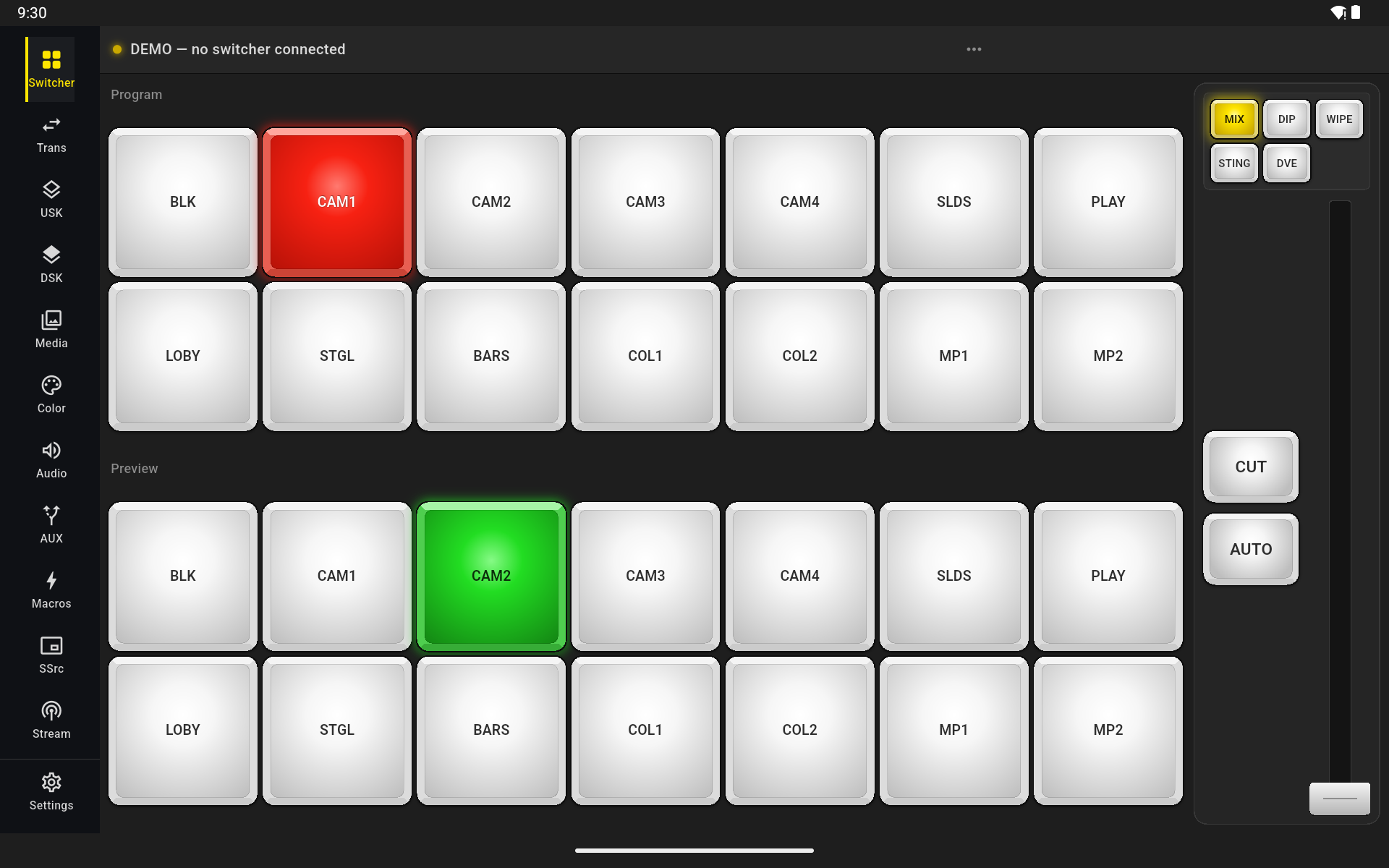
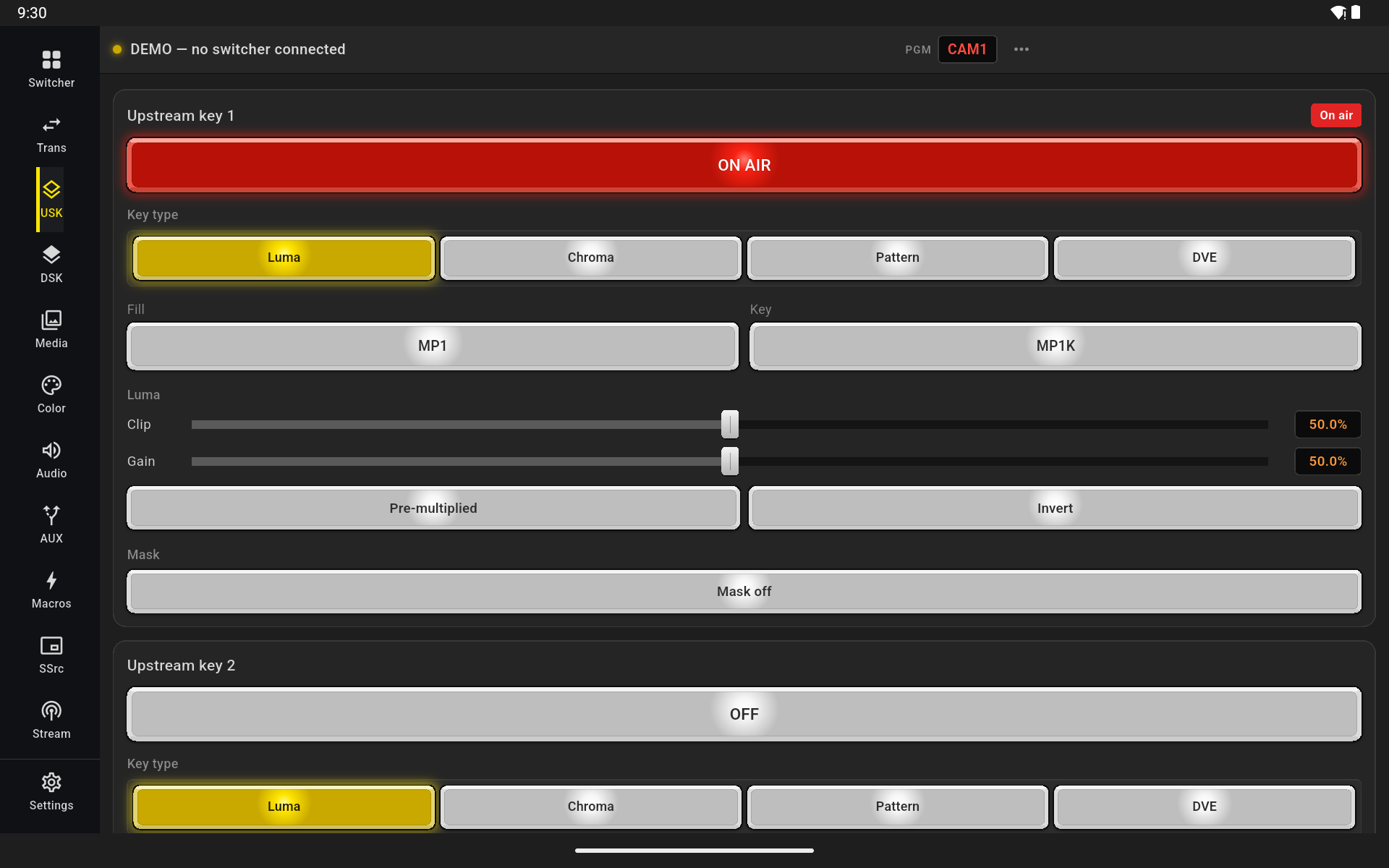
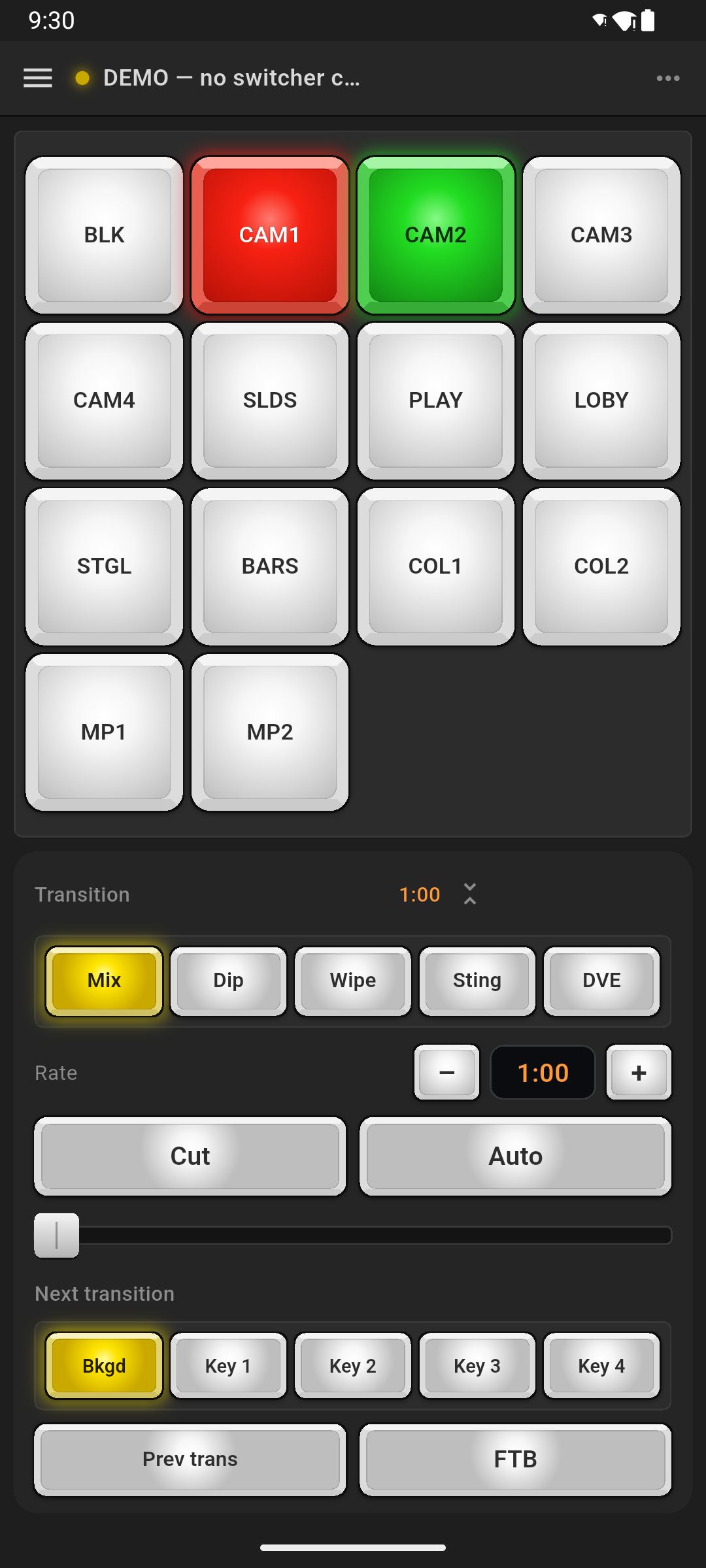
Real screenshots of the app, running against the built-in demo switcher.
Writing about ProSwitcher
- Write the name as ProSwitcher: one word, capital P and S.
- On first mention, say “ProSwitcher, the Android control app for ATEM switchers”. An unrelated 2009 iPhone jailbreak tweak also used the name ProSwitcher.
- ProSwitcher is independent. Please do not describe it as a Blackmagic Design product or as official, and do not pair it with Blackmagic's logos.
- “ATEM”, “Fairlight” and “Blackmagic Design” are trademarks of Blackmagic Design Pty Ltd.
- “Tested on” applies to the ATEM Mini Extreme ISO and the ATEM Production Studio 4K.
- ProSwitcher is not on the App Store yet. Please do not describe it as available for iPhone or iPad, and do not show an App Store badge with it; “iPhone and iPad versions are planned” is accurate.
- The ATEM product photos elsewhere on this site are Blackmagic Design's own (© Blackmagic Design Pty. Ltd.), not part of this kit. For hardware images, use Blackmagic Design's own press images under their terms.
Contact
Questions and interviews: support@proswitcher.app, with “Press” in the subject line.
Put ProSwitcher on your phone before the next show.
Free on Google Play for Android phones and tablets. Switching stays free; Pro is a one-time US$39.99, with a 14-day free trial.