Compatibility
Which ATEM switchers does ProSwitcher control?
Updated
Short answer
ProSwitcher, the Android control app for ATEM switchers, works with ATEM switchers that use the standard ATEM Ethernet control protocol: the ATEM Mini family, ATEM SDI, Television Studio, Production Studio and Constellation models. We have tested it on an ATEM Mini Extreme ISO and an ATEM Production Studio 4K. The app reads what your switcher reports and shows the panels that model supports.
Get it on Google Play Free for switching · Android phones and tablets · iPhone and iPad coming soon
Tested by us
ATEM Mini Extreme ISO
TestedThe switcher we develop and test against, including its Fairlight audio mixer and advanced chroma keyer.

ATEM Production Studio 4K
TestedAn SDI switcher with the classic (non-Fairlight) audio mixer. We test core switching and the classic audio path on it.
How compatibility works
ATEM switchers share one Ethernet control protocol. When ProSwitcher connects, the switcher reports what it has (inputs, keyers, media players, audio and so on) and the app builds its panels from that. Where your switcher lacks something, the app tells you so rather than selling you a panel your hardware cannot use.
On switchers with more than one M/E, ProSwitcher currently controls M/E 1.
The models below use the same protocol, but we have not tested them ourselves yet. If you run ProSwitcher on one, email support@proswitcher.app with the model and firmware version and tell us how it went.
ATEM Mini family
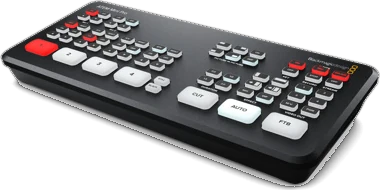
ATEM Mini Pro 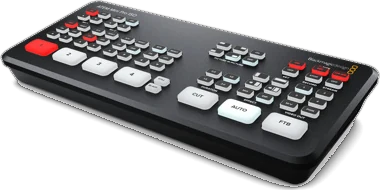
ATEM Mini Pro ISO 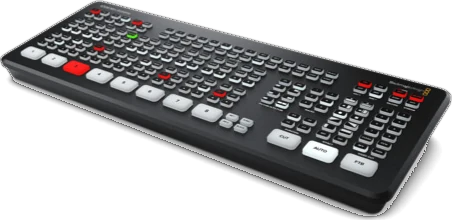
ATEM Mini Extreme 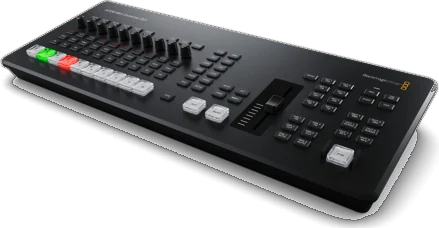
ATEM Mini Extreme ISO G2
Product photos © Blackmagic Design. There is no photo here of the original ATEM Mini or the first ATEM Mini Extreme ISO.
| Model | Inputs | USK | DSK | DVE | SuperSource | Multiview | Media players | Audio mixer |
|---|---|---|---|---|---|---|---|---|
| ATEM Mini Pro | 4 HDMI | 1 | 1 | 1 | — | 1 × 10 views | 1 | 6 × 2-channel, Fairlight |
| ATEM Mini Pro ISO | 4 HDMI | 1 | 1 | 1 | — | 1 × 10 views | 1 | 6 × 2-channel, Fairlight |
| ATEM Mini Extreme | 8 HDMI | 4 | 2 | 2 | Yes | 16, 13, 10, 7 or 4 views | 2 | 11 × 2-channel, Fairlight |
| ATEM Mini Extreme ISO G2 | 8 HDMI | 4 | 2 | 2 | 1 | 16, 13, 10, 7 or 4 views | 2 | 26 × 2-channel, Fairlight |
Source: Blackmagic ATEM Mini tech specs, checked 26 September 2026. USK: upstream keyers. DSK: downstream keyers. — means the spec page lists no such item. See also ATEM Mini on Android.
ATEM SDI
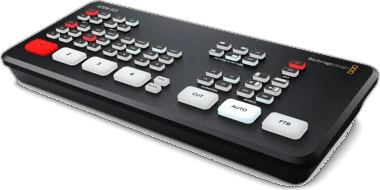
ATEM SDI 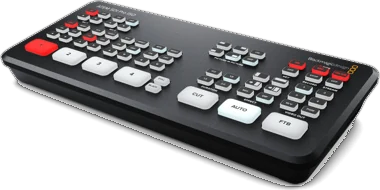
ATEM SDI Pro ISO 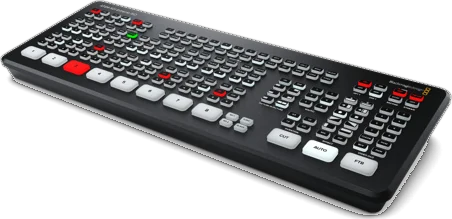
ATEM SDI Extreme ISO
Product photos © Blackmagic Design.
| Model | Inputs | USK | DSK | DVE | SuperSource | Multiview | Media players | Audio mixer |
|---|---|---|---|---|---|---|---|---|
| ATEM SDI | 4 × 3G-SDI | 1 | 1 | 1 | — | — | 1 | 6 × 2-channel, Fairlight |
| ATEM SDI Pro ISO | 4 SDI | 1 | 1 | 1 | — | 10 views | 1 | 6 × 2-channel, Fairlight |
| ATEM SDI Extreme ISO | 8 SDI | 4 | 2 | 2 | Yes | 16, 13, 10, 7 or 4 views | 2 | 11 × 2-channel, Fairlight |
Source: Blackmagic ATEM SDI tech specs, checked 26 September 2026.
ATEM Television Studio
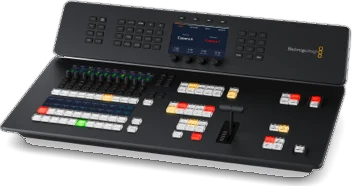
ATEM Television Studio HD8 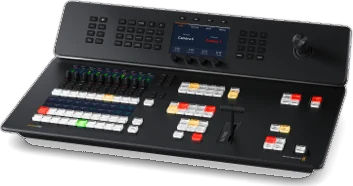
ATEM Television Studio 4K8
Product photos © Blackmagic Design.
| Model | Inputs | USK | DSK | DVE | SuperSource | Multiview | Media players | Audio mixer |
|---|---|---|---|---|---|---|---|---|
| ATEM Television Studio HD8 / HD8 ISO | 8 × 3G-SDI | 4 | 2 | 2 | 1 | 16, 13, 10, 7 or 4 views | 2 | 58-channel |
| ATEM Television Studio 4K8 | 8 × 12G-SDI | 4 | 2 | 2 | 1 | 16, 13, 10, 7 or 4 views | 2 | 58-channel |
Source: Blackmagic ATEM Television Studio tech specs, checked 26 September 2026.
ATEM Constellation
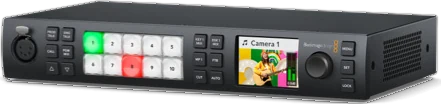
ATEM 1 M/E Constellation HD 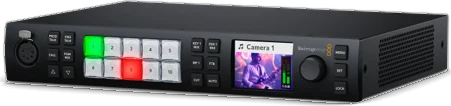
ATEM 1 M/E Constellation 4K 
ATEM 2 M/E Constellation HD 
ATEM 2 M/E Constellation 4K 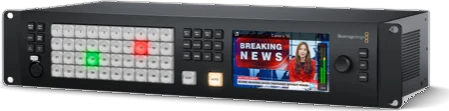
ATEM 4 M/E Constellation HD 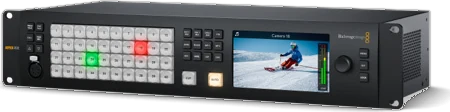
ATEM 4 M/E Constellation 4K 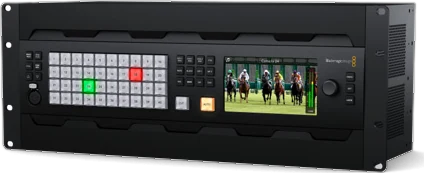
ATEM 4 M/E Constellation 4K Plus 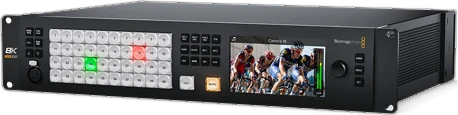
ATEM Constellation 8K
Product photos © Blackmagic Design.
| Model | Inputs | USK | DSK | DVE | SuperSource | Multiview | Media players | Audio mixer |
|---|---|---|---|---|---|---|---|---|
| ATEM 1 M/E Constellation HD / 4K | 10 | 4 | 1 | 1 | — | 1 | 2 | 28-channel, Fairlight |
| ATEM 2 M/E Constellation HD | 20 | 8 | 2 | 2 | 1 | 2 multiviews | 2 | 48-channel |
| ATEM 2 M/E Constellation 4K | 20 | 8 | 2 | 2 | 1 | 2 multiviews | 2 | 48-channel |
| ATEM 4 M/E Constellation HD | 40 | 16 | 4 | 4 | 2 | 4 multiviews | 4 | 156-channel |
| ATEM 4 M/E Constellation 4K | 40 | 16 | 4 | 4 | 2 | 4 × 16 views | 4 | 156-channel |
| ATEM 4 M/E Constellation 4K Plus | 80 | 16 | 4 | 4 | 2 | 4 × 16 views | 4 | 298-channel |
| ATEM Constellation 8K | 40 (10 in 8K) | 16 (4 in 8K) | 4 (2 in 8K) | 4 (1 in 8K) | 2 | 4 multiviews | 4 | 156-channel |
Sources: Blackmagic ATEM Constellation tech specs and ATEM Constellation 8K tech specs, checked 26 September 2026. DVE is the DVE count in Blackmagic's “Transition Keyer (Stinger/DVE)” row, given for every model. ProSwitcher controls M/E 1 on multi-M/E models.
Older models
Some switchers are no longer on Blackmagic's current spec pages. Two of them are the switchers we test on: the first ATEM Mini Extreme ISO and the ATEM Production Studio 4K.
These older models use the same control protocol, but we have not tested them ourselves: the original ATEM Mini, ATEM Television Studio HD, ATEM Television Studio Pro HD, ATEM Television Studio Pro 4K, the ATEM 1 M/E and 2 M/E Production Studio 4K, and the ATEM 4 M/E Broadcast Studio 4K. If you run ProSwitcher on one, tell us how it went at support@proswitcher.app.
What ProSwitcher shows on your switcher
- Free, on every switcher: discovery and manual IP, program and preview, live tally, Cut, Auto, the T-bar, Fade to Black, saved switchers and automatic reconnect.
- Pro, where your switcher has it: upstream keyers (luma, chroma, advanced chroma, pattern and DVE), picture-in-picture, downstream keyers, transitions including DVE transitions, media players, the audio mixer (classic or Fairlight), macros, aux routing and colour generators.
What each panel needs from the switcher
- Picture-in-picture and DVE transitions: a DVE (the DVE column above).
- SuperSource: the models that list it above.
- Streaming: a switcher with its own streaming encoder.
- Recording: a switcher that records, and ISO recording on ISO models.
- Multiview: a multiview output (the Multiview column above).
- Fairlight EQ, dynamics and mic delay: the Fairlight audio mixer. The classic mixer gets faders, meters, mute and AFV.
Where a panel cannot work on your switcher, the app says so before you buy, and the demo switcher opens every panel so you can see each one first.
Questions
Does the ATEM Mini Pro have multiview?
Yes. Blackmagic's tech specs list a 1 × 10 view multiview on the ATEM Mini Pro and Mini Pro ISO.
Does the ATEM Mini Pro have SuperSource?
No. Blackmagic's tech specs for the ATEM Mini Pro do not list SuperSource; the ATEM Mini Extreme models list it. On a switcher that has SuperSource, ProSwitcher Pro animates between SuperSource presets and lays out the boxes on a live canvas, with crop and art.
Do the ATEM Mini Pro and Mini Extreme support 4K?
No. Blackmagic's tech specs for them list no Ultra HD video standards; they are HD switchers.
Does it control every M/E on a larger switcher?
Not yet. On switchers with more than one M/E, such as the 2 M/E and 4 M/E Constellation models, ProSwitcher currently controls M/E 1.
Can I use ProSwitcher alongside ATEM Software Control or a hardware panel?
Yes. An ATEM accepts several control connections at the same time, so ProSwitcher can run next to ATEM Software Control, a hardware panel or another phone, and every one of them shows the same live state.
Put ProSwitcher on your phone before the next show.
Free on Google Play for Android phones and tablets. Switching stays free; Pro is a one-time US$39.99, with a 14-day free trial.
Related
ATEM Mini on Android
Control an ATEM Mini, Mini Pro or Mini Extreme from your phone, in three steps.
Wi-Fi setup guide
The ATEM has no Wi-Fi. How to wire it so your phone can still run the show.
ATEM apps compared
ATEM Software Control, MixEffect, TouchDirector, Strata Pro and Android apps.
FAQ
Models, Wi-Fi, pricing, the trial, offline use and iPhone plans.